What Happens in a Child's First Online English Lesson?
A first lesson should not feel like an exam. It should show whether the child can communicate comfortably with the teacher, where they are starting and which first goal makes sense.
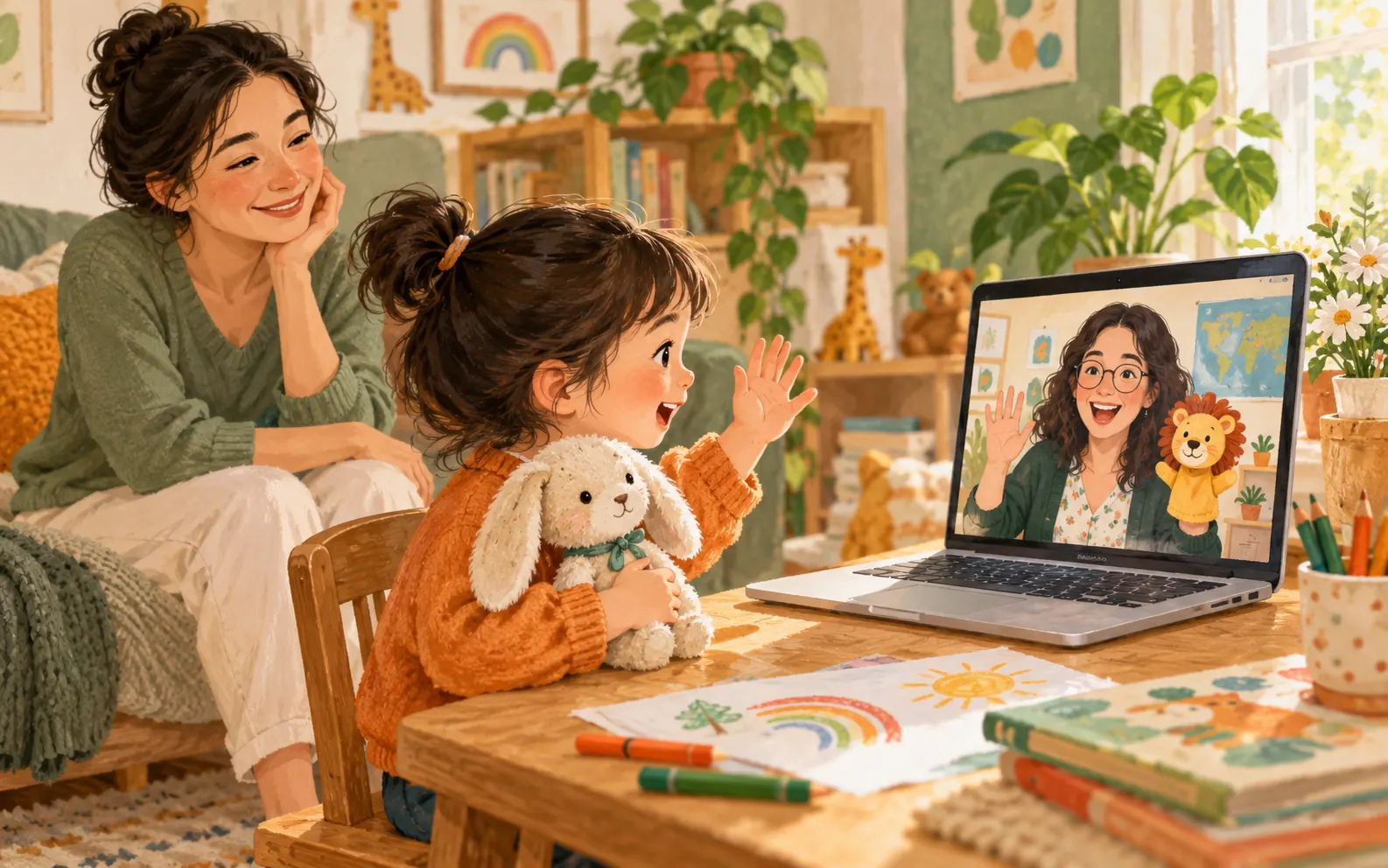
Quick answer: A first online English lesson usually includes a calm introduction, easy questions, a visual or game-based activity, level-appropriate speaking and a clear next-step recommendation for the parent. Correct answers are not the main goal. Observe whether the child receives enough safety, thinking time and support to participate.
2026-09-14 · Stayeng parent guide
Key points
- Check the connection, sound, camera and learning space before the lesson.
- Observe comfort and meaningful speaking time rather than counting correct answers.
- Ask for one strength, one development area and one sensible first goal.
Put this guide into practice
- Open the lesson link and test the microphone and camera.
- Choose one favourite object the child can show the teacher.
- Write three end-of-lesson questions: strength, development area and first goal.
Five minutes of preparation is enough
Avoid building the lesson into a major performance. A simple explanation—“You will meet your teacher, play a few games and speak a little English”—reduces uncertainty. The child does not need memorised answers.
Open the meeting link and test the microphone, camera and internet. Keep water nearby, silence notifications and place one favourite toy or drawing within reach. It can give the teacher a natural conversation starter.
- Open the meeting link in advance
- Test microphone and camera
- Reduce notifications and background noise
- Keep one favourite object nearby
What usually happens during the first lesson?
The teacher normally begins with easy questions about a name, favourite game, animals or daily life. A picture, story, card or short game can then reveal listening, vocabulary and speaking comfort. This should not resemble a high-pressure test.
A skilled teacher adjusts the question, allows thinking time and helps turn a one-word reply into a short sentence. If the child answers in another language, the teacher can acknowledge the meaning and supply the useful English phrase.
What should the parent do?
Staying nearby can reassure a child who is young, reserved or new to online lessons. Translating every question or answering for the child, however, prevents the teacher from seeing the real communication level. Once technology is working, step back and allow quiet response time.
If the child freezes completely, offer a small bridge: repeat the question, give two choices or help them show a favourite object. The longer-term aim is still an independent teacher-child exchange.
What should you learn at the end?
One session cannot always produce a definitive level. The teacher should still explain one observed strength, one development area and a useful first goal for the next few weeks. “It went well” is not enough on its own.
Ask the child how the conversation felt rather than how many mistakes they made. Could they understand the teacher's pace? Which activity did they enjoy? Would they like to meet again? Combine the child's experience with the teacher's note.
The strongest sign of a useful first lesson is not perfect English; it is the child's willingness to speak again.
A checklist to keep before the first lesson
Check the confirmation email and lesson time in the panel ahead of time rather than searching for the link as the lesson begins. Open it on the device you will use and check microphone and camera permissions. On a shared device, check which Google account is signed in.
Technical preparation does not mean rehearsing the child’s answers. Explain that they can point or ask the teacher to repeat. Do not assume reading or memorising a vocabulary list is required before the first meeting.
- I checked the date, time and time zone.
- I found the lesson link and the correct account.
- I checked microphone, camera and sound.
- Water and a favourite small object are nearby.
- I know which support channel to use for a technical problem.
What if the connection fails?
If sound is missing, check mute settings, the selected microphone and headphone connection. Use one device rather than keeping audio active on two devices in the same meeting. If the issue continues, send the lesson time and a short description through the panel’s support channel; do not share passwords.
A connection problem does not automatically establish a right to a replacement lesson or refund. Contact support to record the issue and check the applicable conditions. Afterwards, separate the technical problem from the child’s learning experience.
Want to bring this practice into a one-to-one lesson?
Choose an activity from this guide to discuss with your teacher. For regular lessons, compare package lesson counts, lesson lengths and total prices. If you would like to meet a teacher first, choose a free trial.
Frequently asked questions
Should a parent stay during the first lesson?
Staying nearby can help a younger, reserved or first-time online learner. Apart from technical support, leave answers to the child so you can see the teacher-child fit clearly.
What if my child says nothing?
Silence does not automatically mean failure. Observe how the teacher reduces pressure, offers choices and builds trust. A second short meeting may be useful before deciding on fit.
Does the first lesson require special materials?
Usually a computer or tablet, working microphone, camera and quiet space are enough. Any extra material should be explained clearly in advance.